Keep the learning target visible
Students can see the objective and task clearly before beginning the activity.

Preview presentation
When the lesson is finished, teachers can preview a clean student-facing presentation with the goal, instructions, vocabulary, and activity flow ready to display.
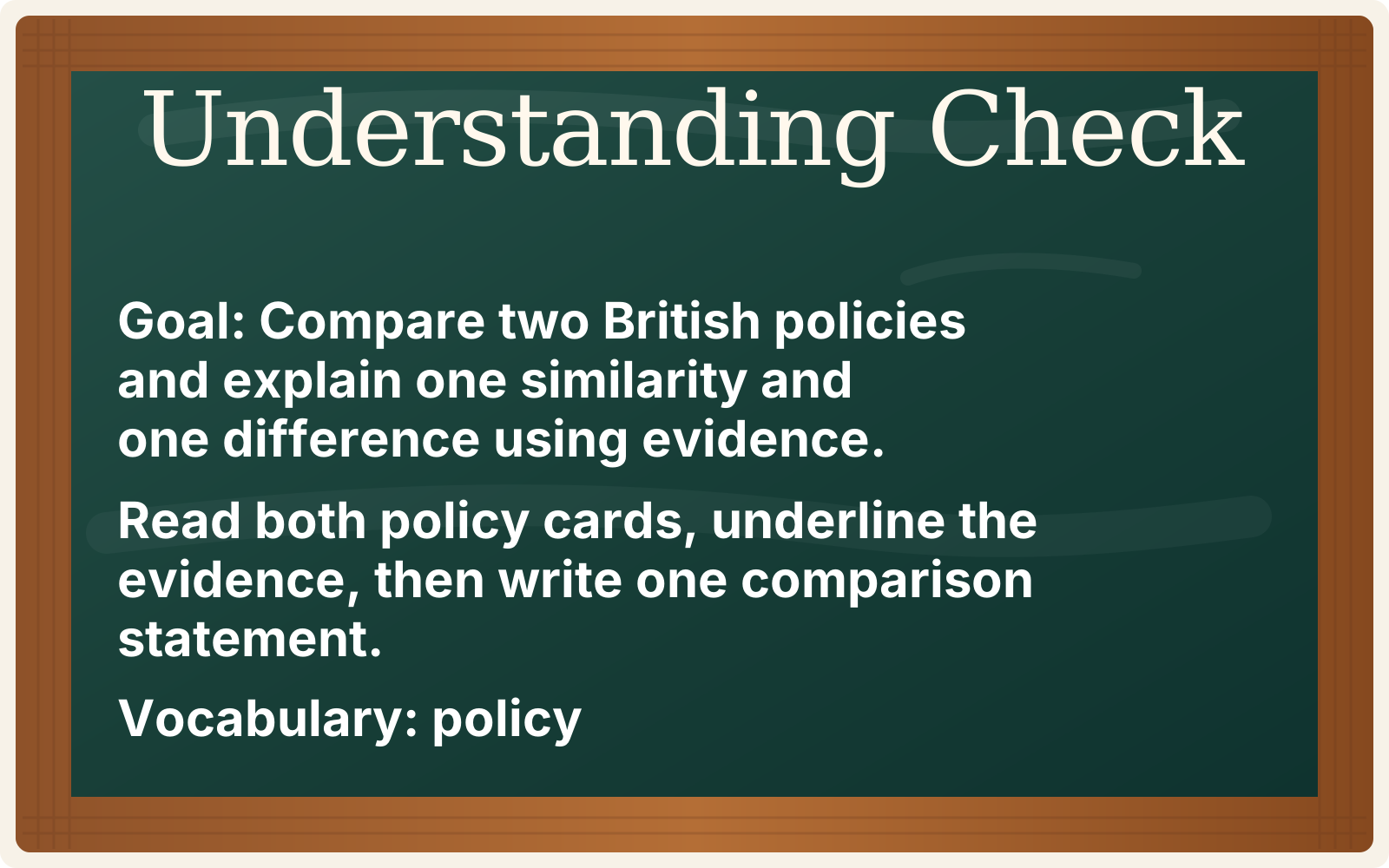
Student-facing instruction
The presentation view helps teachers move from planning to classroom delivery by turning the lesson objective, instructions, checks for understanding, and vocabulary into a simple display format.
Students can see the objective and task clearly before beginning the activity.
Teachers can display student-friendly instructions without rewriting the lesson plan.
Important academic vocabulary can stay visible while students work through the lesson.

Classroom workflow
Understanding checks help students practice the exact skill named in the lesson objective.
Student-facing language keeps directions clear and removes extra teacher prep before class.
Presentation preview lets teachers review the slide before using it with students.
Connected workflow
The student presentation is the final step in a connected teacher workflow built to save time and strengthen daily instruction.