Choose the lesson
Start with a scheduled lesson so every generated resource stays connected to the right class, date, and objective.

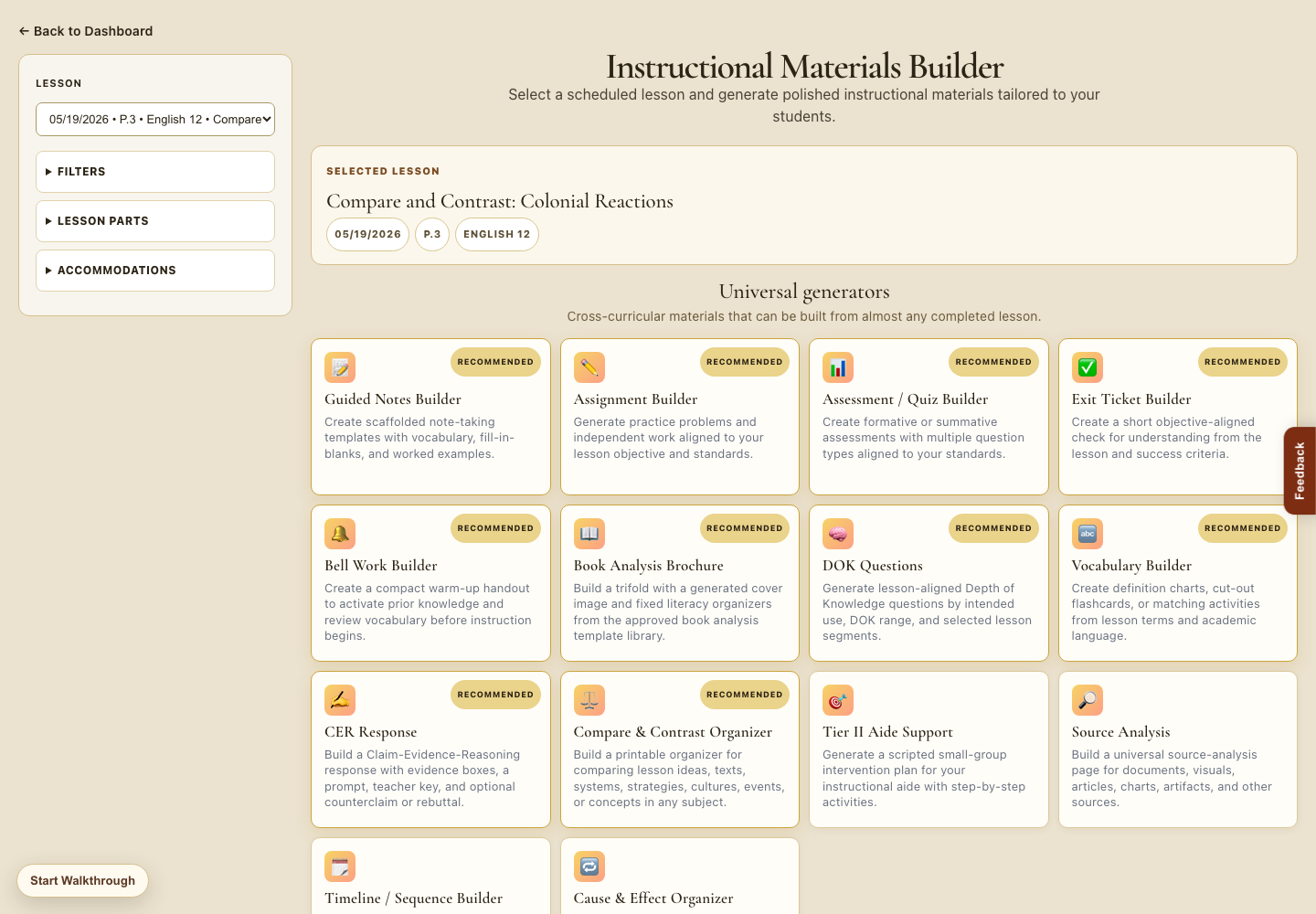
Instructional Materials Builder
The Materials Builder uses the selected lesson to generate aligned handouts, assessments, vocabulary supports, organizers, intervention resources, and more.
Built from the lesson plan
Teachers choose a scheduled lesson, then generate resources that match the objective, standards, vocabulary, accommodations, and lesson parts already inside the plan.
Start with a scheduled lesson so every generated resource stays connected to the right class, date, and objective.
Create guided notes, assignments, quizzes, exit tickets, bell work, vocabulary practice, and DOK questions.
Generate supports for small groups, intervention, accommodations, and students who need additional scaffolds.
Keep resources ready for printing, sharing, presenting, or attaching to an absence request.
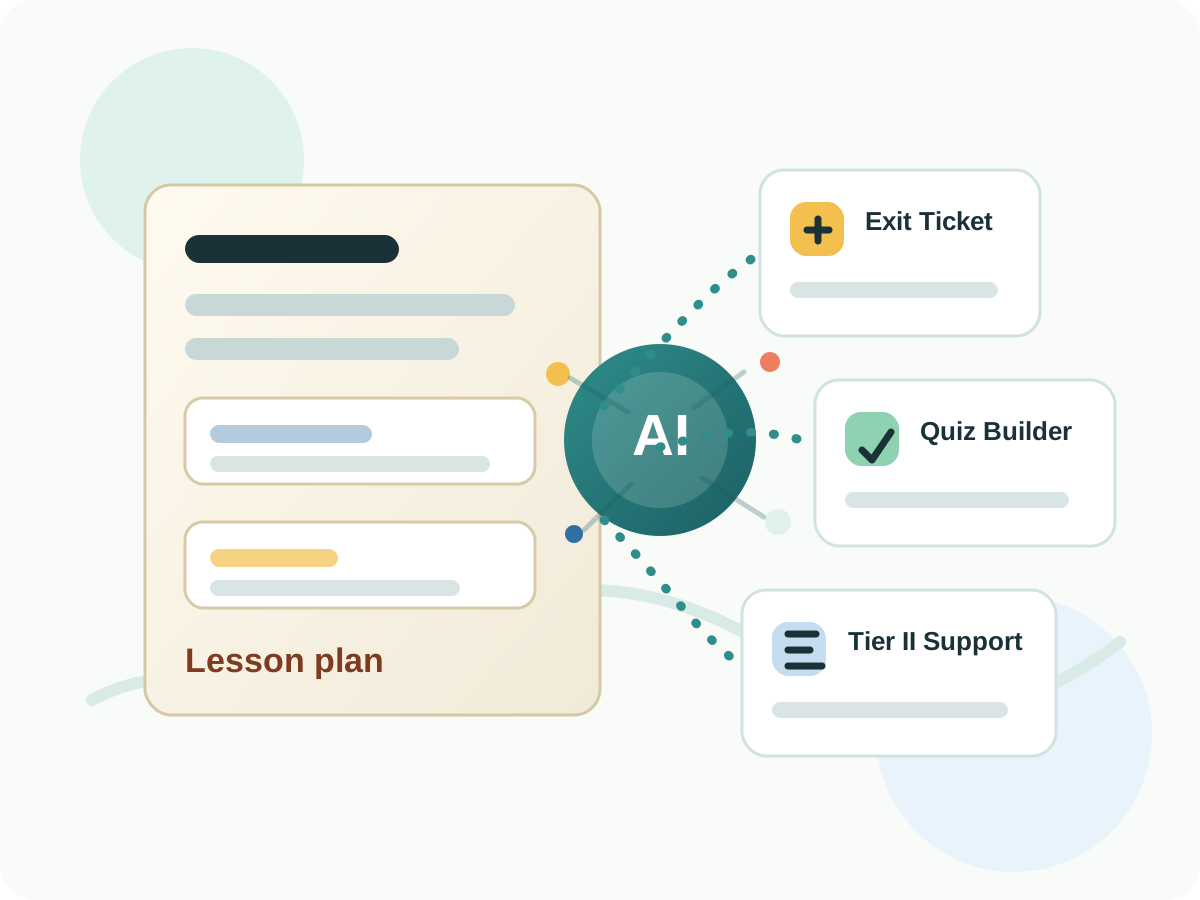
Builder workflow
Selected lesson keeps the resource grounded in the current objective and class context.
Universal generators create resources teachers commonly need across subjects and grade levels.
Recommended cards help teachers quickly choose high-value supports for the lesson.
Next step
After the lesson and materials are ready, teachers can preview a clean student-facing presentation for classroom use.