Review planned lessons
See which classes already have lessons prepared and which plans still need to be created.

Teacher dashboard
The dashboard gives teachers one calm place to review planned lessons, spot missing plans, check pacing, and move directly into lesson creation.
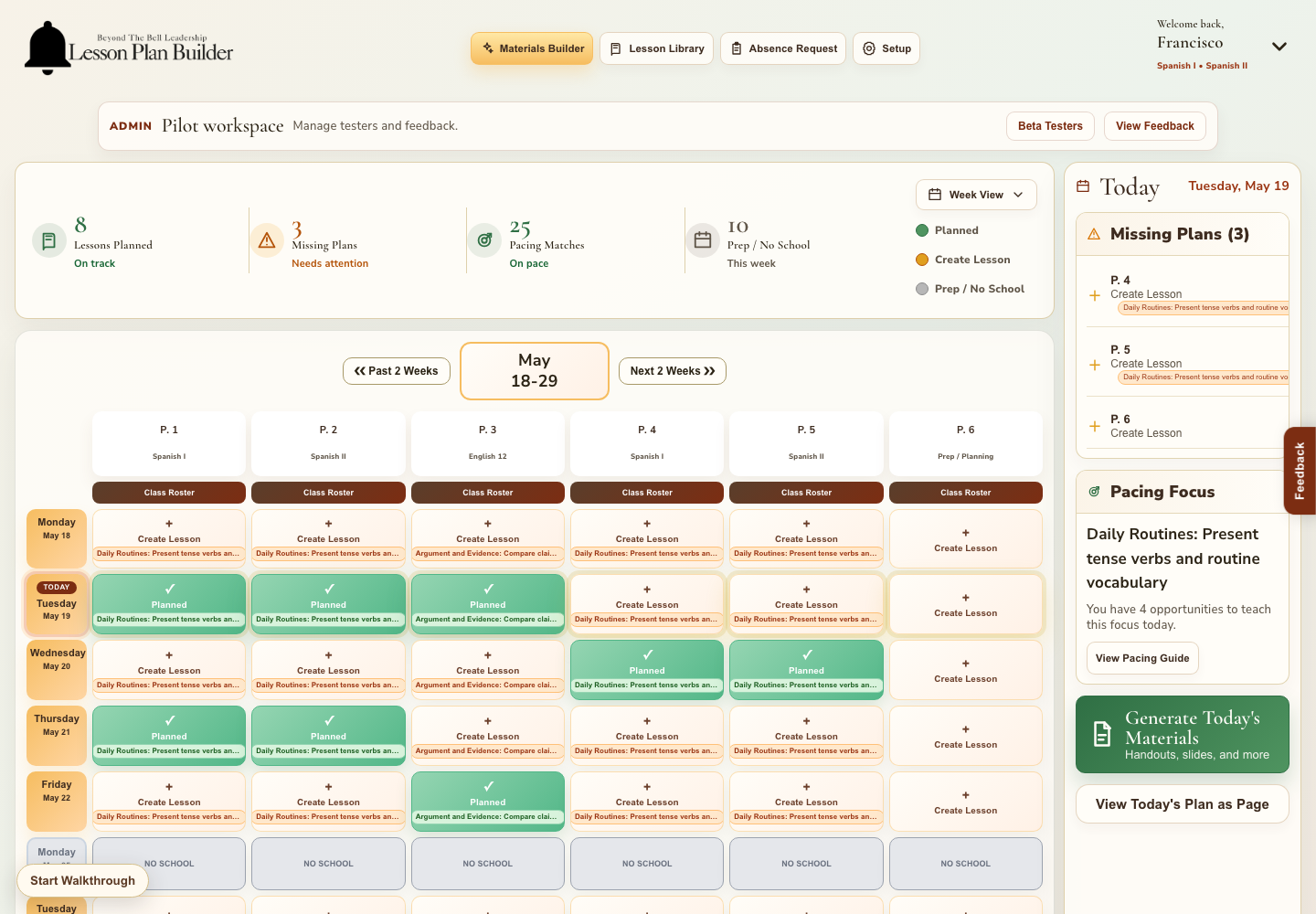
What teachers see first
Instead of searching across folders, calendars, and old lesson files, teachers can open the dashboard and immediately see what is planned, what needs attention, and where the day’s instructional focus should be.
See which classes already have lessons prepared and which plans still need to be created.
Quickly identify gaps in the week so planning stays ahead of instruction.
Use pacing focus notes to keep upcoming lessons connected to instructional goals.
Move from a missing lesson directly into the lesson builder without losing context.
Present tense verbs and routine vocabulary
Add objective, activity, and check for understanding
Review pacing focus before tomorrow
Lesson plan, assignments, student materials, and teacher notes
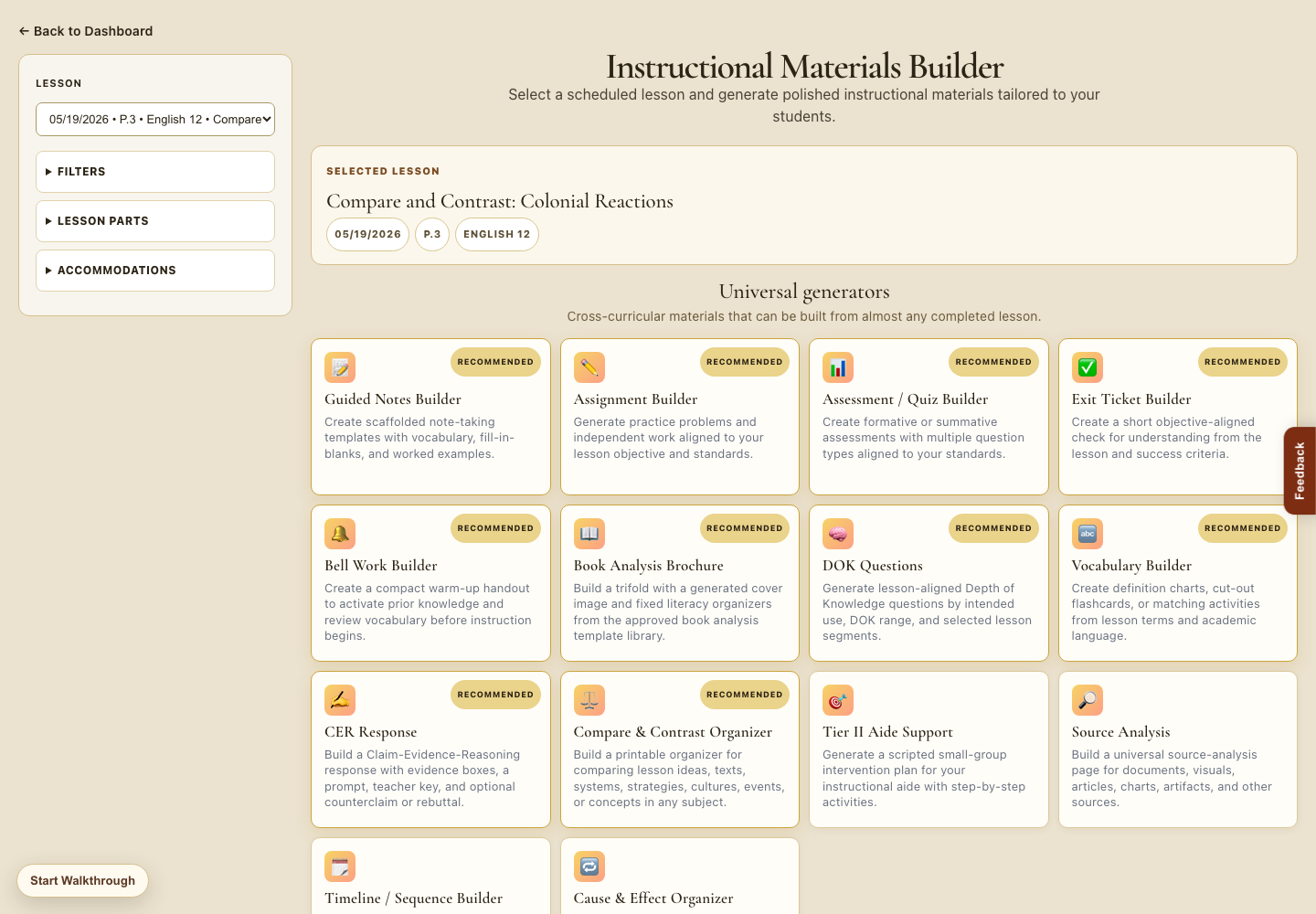
Built for busy teaching days
A short overview can keep the dashboard still, highlight the next button or area, then show the page teachers see after selecting it.
Daily view lets teachers click into a day and see the lessons attached to it.
Absence request and lesson library open into clear, connected workflow pages.
Materials builder and pacing focus stay easy to find without moving the app view around.
Ready to keep planning organized?
Use the dashboard to find the next lesson, then build it with objectives, standards, supports, and student-facing materials in one connected flow.